November 12, 2026 Business Management, Resources
Clinic Cleaning Complaints: From Complaint to Fixed, Fast
It is 7:15 AM and a practice manager is calling about last night’s trash. What happens in the next few hours decides whether this is a small slip or the start of a lost contract. Here is how Ranyan and an AI assistant turn every clinic complaint into an owned, verified and measurable fix.
November 12, 2026 Business Management, Resources
Author: Ranyan

It is 7:15 AM. The practice manager at a busy family clinic calls to tell you the waiting-room trash was not emptied last night, and patients are already sitting there looking at it.
What happens next decides whether this becomes a small, forgivable slip or the start of a lost contract. Someone has to write the complaint down, send the right person to fix it, confirm the fix was actually done and let the clinic know it has been handled. In most janitorial companies that someone is a supervisor who is already driving to another site with a phone full of messages. This article shows how Ranyan, the janitorial management platform for cleaning companies, combined with an AI assistant, makes that whole sequence fast, reliable and easy to prove.
Why Clinic Complaints Can’t Wait
In an office, an overflowing trash can is an annoyance. In a clinic, patients and staff read it as a signal that the entire facility might not be clean, including the exam rooms they cannot see. Healthcare settings put real weight on environmental cleanliness, and guidance such as the CDC’s core infection prevention and control practices treats the care environment as part of patient safety. Clinic managers notice visible lapses quickly, and they remember them when your contract comes up for renewal.
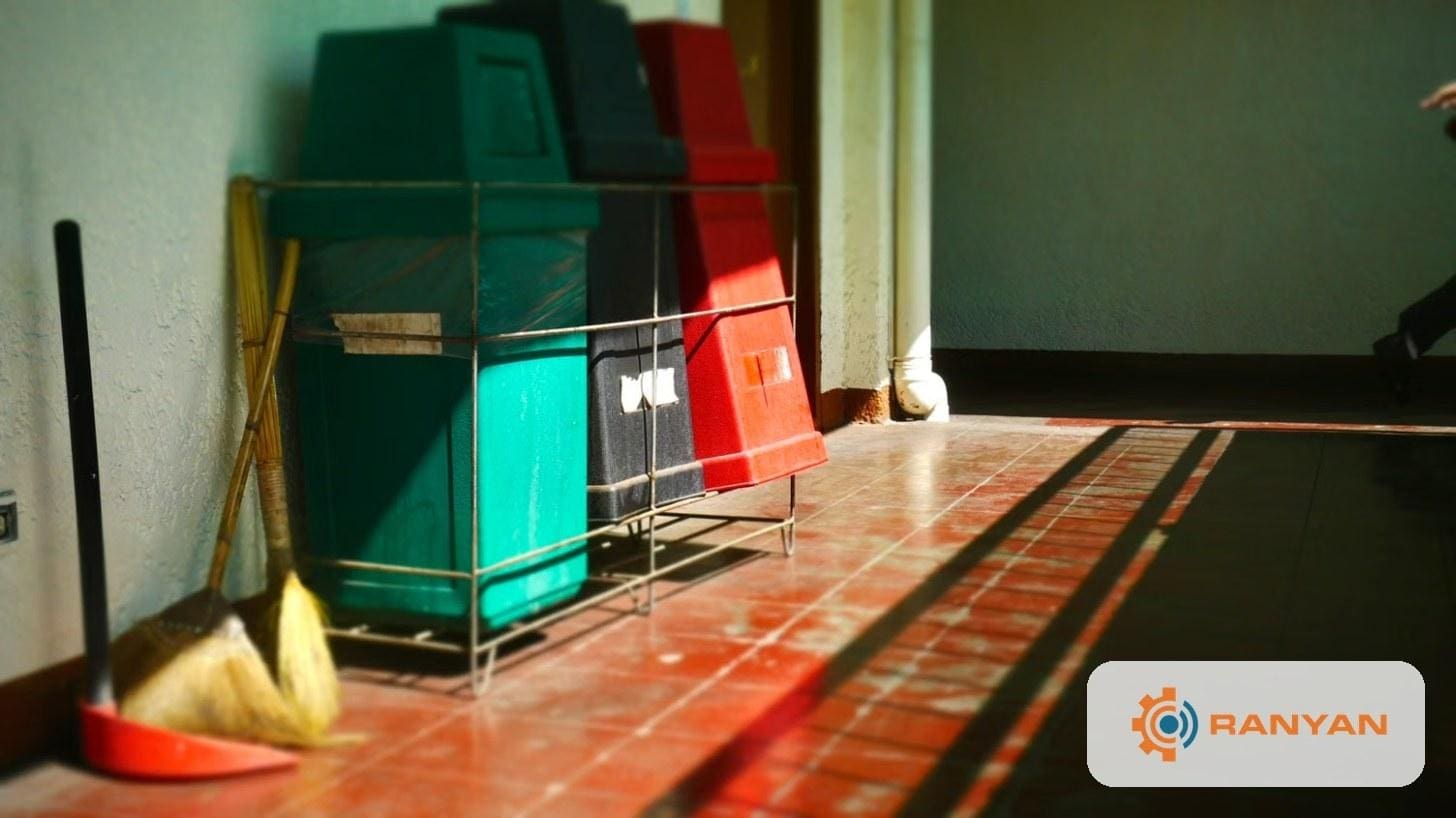
The good news is that most complaints are not hard to fix. They are hard to handle quickly, because handling one properly involves several small steps. First, someone has to log what the complaint is and exactly where it happened, so there is a record rather than a vague memory of a phone call. Next, it has to be assigned to a specific person who will own the fix, not to “the night crew” in general. Then someone needs to check that the fix was actually done to standard rather than assuming it was. Finally, the complaint has to be closed out and the client told that it has been resolved.
Each of those steps is simple on its own. Doing all four from a phone, between site visits, while also answering scheduling questions and covering call-outs, is where things slip. A complaint that is logged but never assigned, or fixed but never confirmed with the client, can do as much damage as the original problem.
How Ranyan and AI Handle Clinic Complaints
1. One Sentence Becomes a Work Order
In Ranyan, a complaint is a work order under your complaint work type. That design choice matters, because it means complaints live in the same system as all your other scheduled and corrective work, not in a separate notebook, email folder or text thread that only one supervisor can see. Every complaint has a site, a type, an owner and a due date, which makes it trackable from the start.
With Ranyan’s WebMCP tools, a supervisor can create that work order by typing a single sentence into an AI assistant. For example: “Create a work order on Riverside Family Clinic under Complaint – Janitorial, service type Trash: waiting room trash not emptied last night. Assign it to Dana Lopez, due today at 10 AM.” The assistant confirms the details, creates the work order inside Ranyan and reports back with its number. There are no forms to fill out and no hunting for the right screen, so the complaint is logged and assigned before the supervisor has even left the parking lot.

2. The Fix Is Checked, Not Assumed
Ranyan’s work orders follow a clear, accountable path. When Dana finishes the job, she reports it as done and the work order moves into review. A manager then checks the result and only then marks it completed. That review step is especially important in clinic work, because “someone said it’s done” is not the same as “we checked that it’s done,” and experienced practice managers can tell the difference.
At any point you can ask the assistant which complaint work orders at Riverside Family Clinic are still open or waiting for review. Instead of calling around for status updates, you get an accurate picture of where every complaint stands and who is responsible for the next step.
3. Overdue Work Doesn’t Hide
If a work order passes its due date, Ranyan automatically marks it as past due. Ask the assistant to show all past-due complaints across your clinic accounts, and you will see exactly what is slipping and who owns each item. This turns overdue complaints from something you discover when an angry client calls back into something you catch and resolve proactively.
4. Spotting the Complaints That Keep Coming Back
One complaint is a bad night. Three complaints about the same thing in a month is a pattern, and patterns are where contracts are won or lost. Ranyan tracks which service types your complaints fall under, such as trash, restrooms or floors, and an AI assistant can turn that history into a plain answer. You might ask what the most common complaint types were at your clinic accounts this month, or whether Riverside Family Clinic has complained about restrooms more than once this quarter.

When the same service type keeps showing up, that is your cue to act before the client brings it up first. You might retrain the crew on that task, for example by reviewing restroom dwell times and confirming they are using products from the EPA’s list of registered disinfectants, adjust the inspection checklist to give it more attention, or schedule a walkthrough with the clinic manager to agree on expectations. Using your complaint data this way shows clients that you are managing quality, not just reacting to problems.
See it in action: Watch a short demo of a complaint going from one sentence to a completed work order in Ranyan. [Watch the demo →]
Where to Stay Careful
Always read the confirmation before the work order is created. The assistant shows you the site, work type, assignee and due date first, and that is the easiest moment to catch a wrong clinic name or an unrealistic due date. Fixing a mistake there takes a second, while fixing it after the fact can confuse your crew and your client.
Use full names whenever you assign work. “Dana” might match two people on your roster, while “Dana Lopez” matches exactly one. The same habit applies to client and site names, which should be written the way they appear in Ranyan.
Resist the temptation to skip the review step. It is tempting to mark a complaint completed the moment the crew says it is done, but in clinic work the check is the whole point. And make the client call yourself. The assistant handles the record, but the “we’re on it” call to the practice manager should still come from a real person who knows the account.
Getting Started
Make sure you have a complaint work type set up in Ranyan for your clinic accounts. The next time a complaint comes in, try logging it through your AI assistant instead of clicking through the usual screens, and notice how much faster the work order reaches the right person. At the end of the month, ask one question: “What did our clinics complain about most?” That single answer can shape your training plan, your checklists and your next client review, and it alone is worth the setup.
The Bottom Line
No cleaning company can prevent every complaint. What you can do is make sure each one is logged in seconds, owned by a real person, checked before it is closed and counted so the same problem does not keep coming back. That is the kind of responsiveness clinic clients remember, and Ranyan makes it part of how your team works every day.